MacBook M4 13-inch vs. Windows Gaming: The Ultimate Showdown
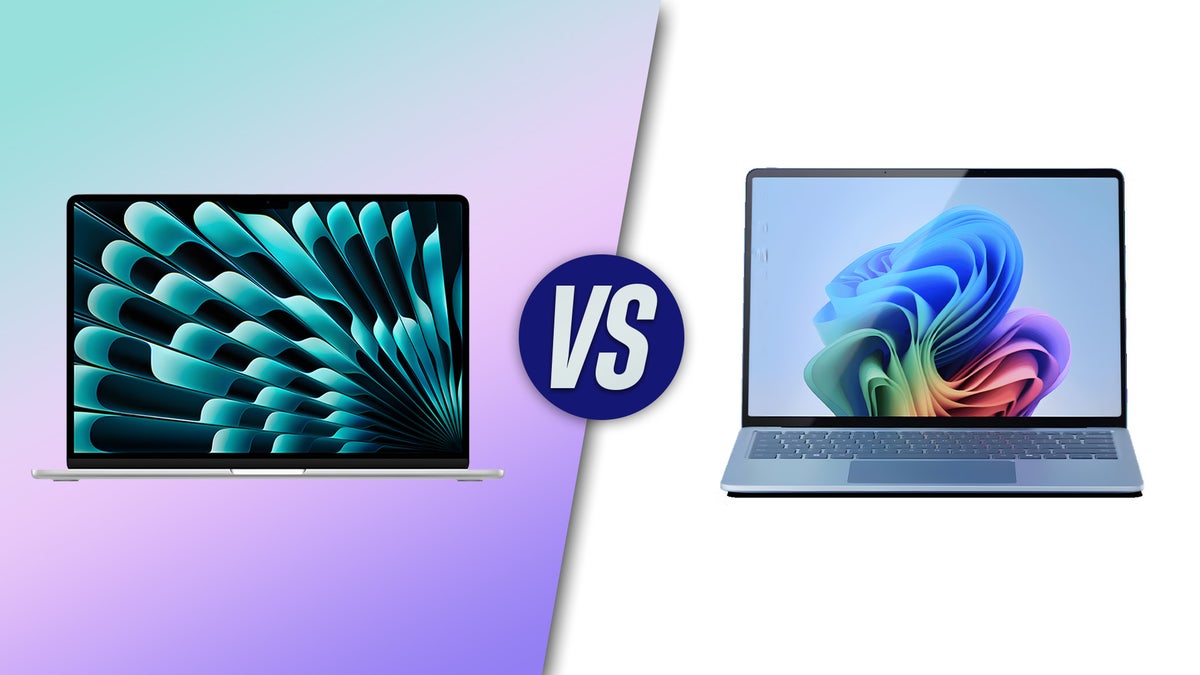
MacBook M4 13-inch vs. Windows Gaming: The Ultimate Showdown
Introduction: The Changing Face of Portable Gaming
For years, the choice was simple: if you wanted to play games, you bought a Windows machine. If you wanted to design or code, you bought a Mac. However, with the arrival of the MacBook M4 13-inch, those lines are blurring. As Apple continues to refine its silicon, the gap between traditional productivity machines and high-performance gaming rigs is shrinking. But can a slim 13-inch ultrabook really stand toe-to-toe with dedicated Windows gaming laptops?
In this guide, we dive deep into the hardware, software ecosystem, and real-world performance to see which platform deserves your hard-earned money.
The Power of the M4 Chip: Performance and Efficiency
The M4 chip represents a significant leap in Apple’s unified memory architecture. Unlike Windows laptops that often separate the CPU and GPU, the M4 integrates everything onto a single die. This allows for incredibly low latency and high bandwidth, which is critical for rendering complex game environments.
- Hardware-Accelerated Ray Tracing: The M4 features dedicated hardware for ray tracing, bringing cinematic lighting and shadows to games that support it.
- Neural Engine: Apple's AI-focused cores help with upscaling technologies similar to DLSS, improving frame rates without sacrificing visual quality.
- Energy Efficiency: While a Windows gaming laptop might last two hours under heavy load, the M4 chip maintains performance even while on battery.
Windows Gaming: The King of Compatibility
While Apple has the hardware, Windows still owns the library. A dedicated Windows gaming laptop from brands like ASUS, Razer, or Lenovo offers access to nearly every game ever made via Steam, Epic Games Store, and Xbox Game Pass.
Windows machines also offer discrete GPUs (Graphics Processing Units) from NVIDIA and AMD. An NVIDIA RTX 40-series card provides features that the M4 is still catching up to:
- DLSS 3.5: Deep Learning Super Sampling provides a massive frame rate boost through AI frame generation.
- Vast Library: Native support for DirectX 12 ensures that almost every AAA title runs out of the box.
- Customization: Windows laptops often allow users to upgrade RAM and storage, a feature missing from the MacBook M4.
Game Porting Toolkit and the Future of macOS Gaming
Apple hasn't ignored the software gap. With the introduction of the Game Porting Toolkit (GPTK), developers can now bring Windows games to macOS more easily than ever. Titles like Death Stranding, Resident Evil Village, and Cyberpunk 2077 have shown that the MacBook M4 can handle demanding graphics when the software is optimized for Apple Silicon.
Display and Portability
The MacBook M4 13-inch features a stunning Liquid Retina display with high brightness and color accuracy. However, most gamers prefer the high refresh rates (144Hz, 240Hz, or higher) found on Windows gaming laptops. If you play fast-paced shooters like Valorant or Counter-Strike 2, the smoother motion on a dedicated gaming panel is a significant advantage.
Conclusion: Which One Should You Buy?
The choice between a MacBook M4 13-inch and a Windows gaming laptop boils down to your primary use case. If you are a creative professional who wants to enjoy high-quality gaming on the side—and you value thin design and 15+ hours of battery life—the MacBook M4 is an incredible piece of engineering. It is the best 'do-it-all' machine on the market.
However, if your primary goal is gaming and you want access to the widest possible selection of titles with the highest possible frame rates, a Windows gaming laptop remains the champion. While Apple is closing the gap, the raw power of a dedicated NVIDIA GPU and the sheer volume of Windows-native games are hard to beat.
© Copyright by Chikuweb